Inventory tracks what you stock, what it costs and what you use: items, vendors, recipes, counts, orders, invoices and waste. It's part of the Pro plan.
Who can use it:
- Plan: Inventory is in the Pro plan and the 30-day free trial. On Basic, the Inventory menu shows a lock. See Plans, the free trial and locked modules.
- Admins can do everything, at every location.
- Managers run inventory at the locations they're assigned to. Their role has View inventory and Manage inventory by default (Locations & Users → Roles).
- Employees don't use Inventory. They can still count a short list in a checklist task. See Inventory-count and restock tasks.
Where everything is
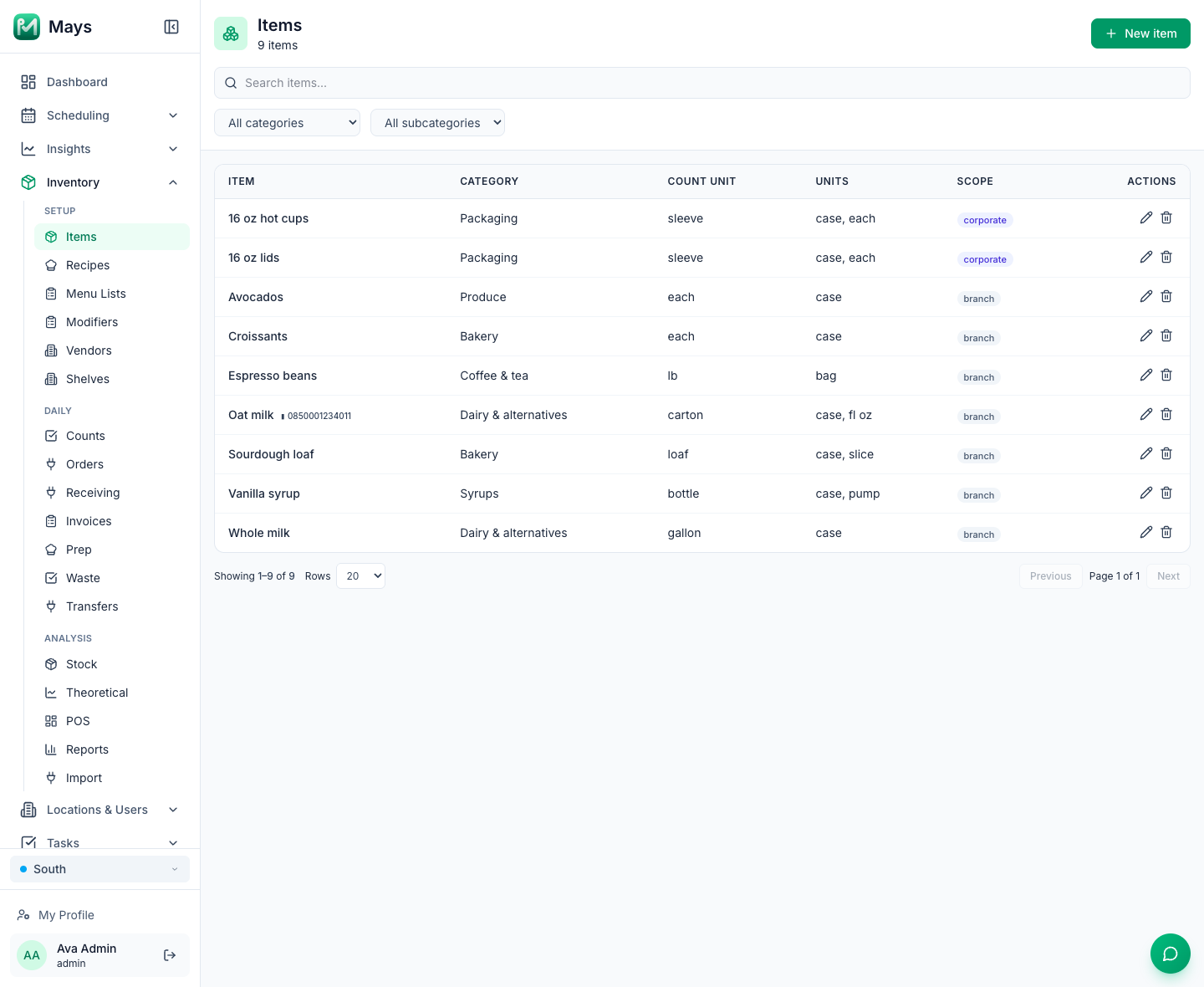
On the web, open Inventory in the sidebar. The pages are in three groups, and they all follow the location picked in the sidebar's location switcher.
Group | Page | What it's for |
|---|---|---|
Setup | Items | What you stock, its units and its vendor prices. See Inventory items. |
Recipes, Menu Lists, Modifiers | What goes into each menu item, and what it costs. See Recipes and plate costing and Menu lists and modifiers. | |
Vendors | Your suppliers, delivery days, cutoffs and minimums. See Vendors and vendor catalogs. | |
Shelves | Zones and shelves for counting shelf by shelf in the app. See Shelves and storage areas. | |
Daily | Counts | Stock counts. See Running stock counts. |
Orders | Purchase orders. See Placing purchase orders. | |
Invoices | What vendors delivered and charged. See Vendor invoices. | |
Waste | What you threw away and why. See Logging waste. | |
Receiving, Prep, Transfers | Deliveries by day, daily prep lists, and moving stock between your locations. See Receiving deliveries, Prep sheets and Transfers between locations. | |
Analysis | Stock | On hand and par levels for each item. See Stock on hand. |
Theoretical | What sales say you used, next to deliveries and waste. See Theoretical vs actual usage. | |
POS | Linking what you sell to recipes. See POS mapping and automatic depletion. | |
Reports, Import | COGS and on-hand value, and importing from Craftable. See Inventory reports and Importing from Craftable. |
In the app: managers and admins count stock from the box icon at the top of the screen. The rest of Inventory is on the web. See Counting inventory in the app.
Set it up in this order
- Add your items. Start with the 20 to 40 items that cost the most or run out most often. Give each one the unit you count it in and how many come in a case.
- Add your vendors and each item's price from each vendor.
- Add shelves if you want to count shelf by shelf in the app (Inventory → Shelves), and give items a Home shelf.
- Run your first count. Submitting it sets what's on hand.
- Set par levels on Inventory → Stock. Orders are built from them.
- Build recipes for your best sellers to see each plate's cost.
- Map your POS items to recipes if the location sells through Square or Union, so sales take ingredients out of stock.
- Then the daily routine: count, order, post invoices when deliveries arrive and log waste.
What changes stock on hand
When you… | On hand… |
|---|---|
Submit a count | Is set to what you counted, for each item you counted |
Post an invoice | Goes up by what was delivered |
Log waste | Goes down by the amount wasted |
Sell through Square or Union | Goes down overnight, by each mapped recipe's ingredients |
Post a transfer | Goes down at one location and up at the other |
Delete a submitted count or a posted invoice | Goes back, unless a later count has replaced it |
Good to know
- Inventory's AI features don't use AI credits. Reading invoices, counting by voice or photo, drafting recipes and suggesting matches are included.
- Counts can't be approved yet. The Approved column on the Counts page stays empty, so the parts of Inventory that compare two approved counts (actual usage and variance) have nothing to show. See Theoretical vs actual usage.
- Mays doesn't track expiry dates or lots. Keep date labels on the product and a "first in, first out" check on your checklist.
- Sales come out of stock overnight, and a count can happen at any time of day: sales made before a count aren't taken out again. See Running stock counts.