Start a chat with the AI Assistant from the app's Chat tab. It answers from your knowledge base, looks up your tasks (and, for managers, sales and who's on shift), and can read a photo you take.
Everyone can use it, in the iPhone and Android apps. It isn't on shared kiosk tablets, which don't have Chat. Each answer uses AI credits.
Start an AI chat
- Open Chat and tap + at the top.
- On New Message (iPhone) or New Conversation (Android), tap AI Assistant (Start a new AI chat).
- Type your question and tap send.
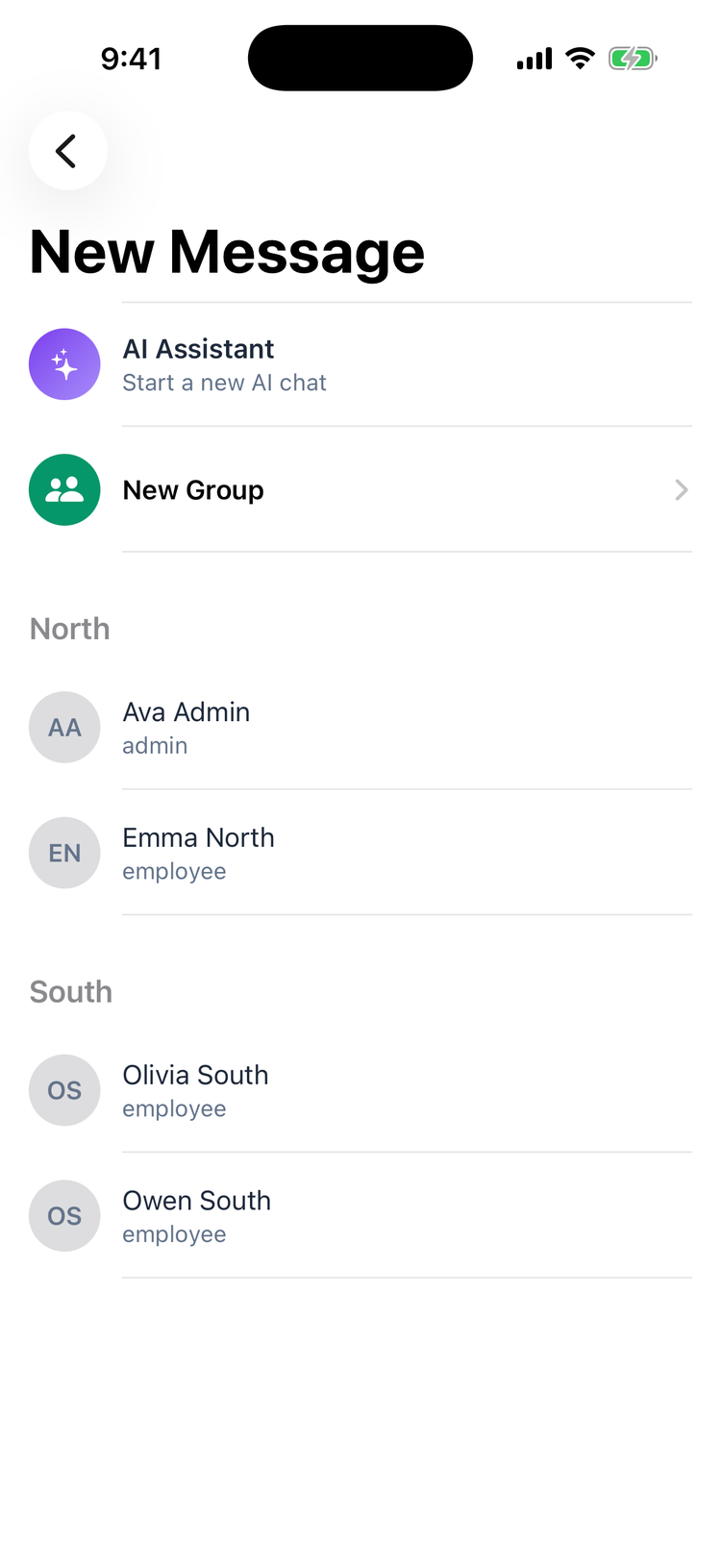
The answer appears as a message in the chat, after a moment of typing. Keep asking follow-up questions in the same chat: it remembers the conversation.
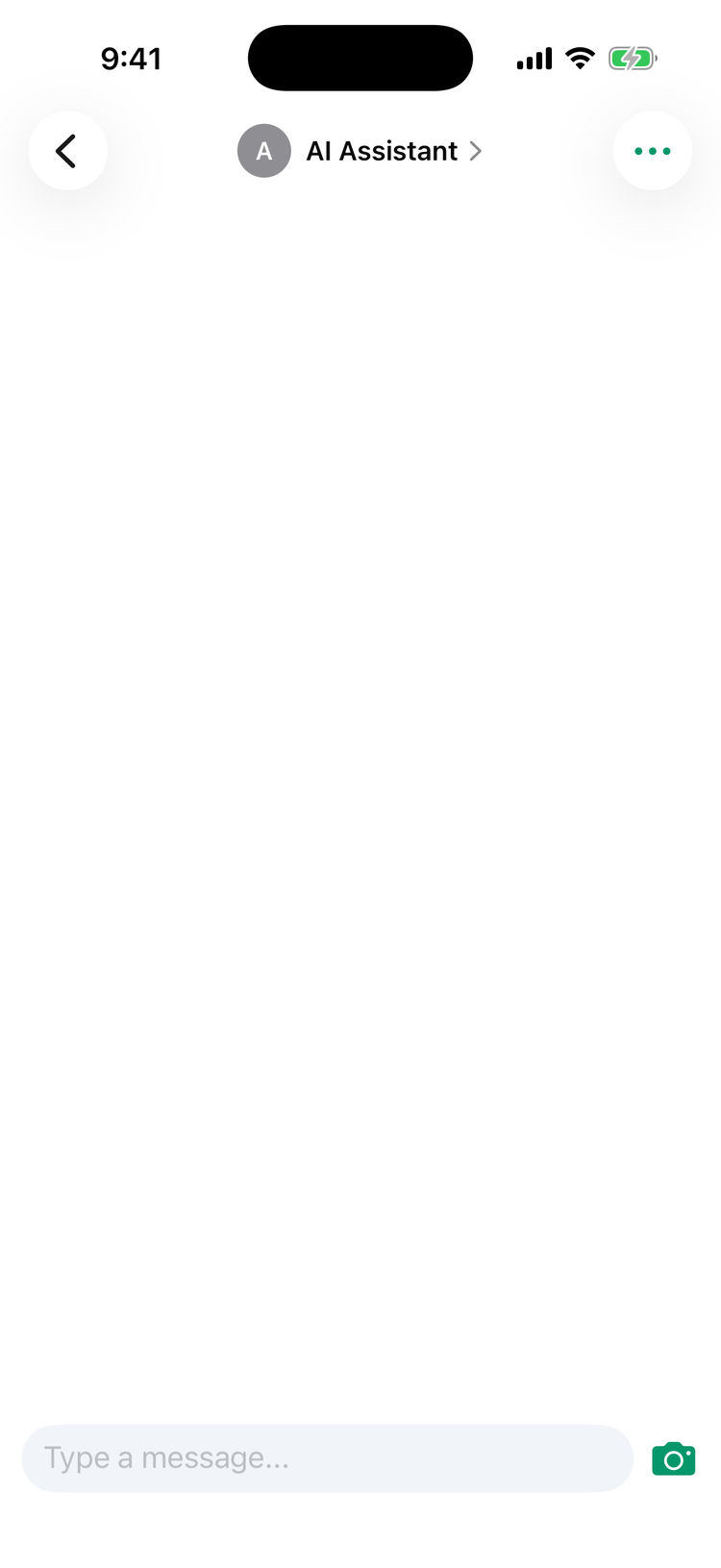
Each tap on AI Assistant starts a new chat. Your AI chats sit in the Messages list with a purple sparkle, named after what you asked about.
What you can ask
Ask about | Who can |
|---|---|
Your SOPs, recipes and policies, from the knowledge base. See AI answers from your knowledge base. | Everyone |
Your own tasks: what's left today, what's overdue | Everyone |
Who's on shift right now, and everyone's scheduled hours this week at your locations | Managers and admins |
Sales totals for your locations, from a connected POS such as Square | Managers and admins |
Thermometer readings and recent task activity at your locations | Everyone |
Searching all tasks, finding a team member, labor cost, low stock, invoices waiting for review, answers from custom forms | Managers and admins |
Building a report | Managers and admins |
If an employee asks for sales, who's on shift or weekly hours, the AI Assistant replies Ask your manager for sales and hours figures. Sales follow the View Operations Dashboard permission, and who's on shift and hours follow View Schedule. Managers and admins have both unless a custom role takes them away. See Roles and permissions.
Managers and admins can also ask it to create a task or update someone's details (phone, email, notes). It can't change the schedule, and it can't tell you when your next shift is: check the Schedule tab for that.
It answers in the language you write in.
Send it a photo
In an AI chat, the camera button next to the message box is the only attachment. Take a photo, for example of a label or a delivery note, and add a question in the caption. Without a caption, the AI describes the photo and responds to it.
Photos from your library, voice notes, files and GIFs can't be sent in an AI chat.
Delete an AI chat
- Open the chat and tap AI Assistant (or the chat's name) at the top.
- Tap Delete Conversation and confirm.
AI credits
Each answer uses AI credits from one of the locations you work at. It shows as Chat under Usage by Feature on the location's Billing & Credits tab. A short answer uses a few credits; long chats and photos use more.
When the location runs out of credits, or its trial has ended without a plan, the AI Assistant replies I can't reply right now — this branch is out of AI credits. Ask your admin to add credits. See AI credits.
Good to know
- No notification for answers. The AI Assistant's replies don't send a push notification, so stay in the chat for the answer.
- Check what matters. The AI can misread a question or a photo. For allergens, temperatures and money, check the article or report it's based on.
- Other messages from the AI Assistant. When AI photo verification flags a photo, the location's escalation manager gets a message from the AI Assistant about it. The AI doesn't reply in that chat. See AI photo verification.
- On the web there's Mays AI instead, for admins and managers. See Asking Mays AI on the web.