A pop quiz is a push notification with one question from a module someone hasn't passed yet. Mays sends at most one a day, only to people on shift, inside the hours an admin sets.
It's a nudge to finish assigned training during a quiet moment at work. There's nothing to create: once a module is assigned, pop quizzes go out on their own.
Who gets one, and when
Mays checks once an hour, at 7 minutes past. A person gets a pop quiz when all of these are true:
- the time is inside the Snap-quiz window (see below);
- they're on a published shift right now, on the Mays schedule or in 7shifts;
- they have at least one assigned, published module they haven't passed;
- they haven't had a pop quiz yet today.
If your company doesn't schedule shifts in Mays or 7shifts, no pop quizzes are sent, because Mays can't tell who is working.
Set the hours (admins)
- Go to Learning → Settings.
- Under Snap-quiz window, enter the Start hour and End hour, from 0 to 23. Pop quizzes go out from the start hour until just before the end hour.
- Click Save + refresh preview (it saves the whole page).
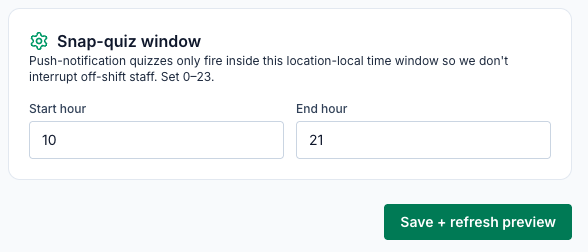
Enter the hours in UTC, not your local time. The page says the window is in your location's time, but it's checked against UTC (Coordinated Universal Time). Add the difference to your local hours:
Your time zone | Summer (daylight time) | Winter |
|---|---|---|
Eastern | add 4 | add 5 |
Central | add 5 | add 6 |
Mountain | add 6 | add 7 |
Arizona (no daylight saving) | add 7 | add 7 |
Pacific | add 7 | add 8 |
For example, to send pop quizzes between 10 a.m. and 6 p.m. Eastern in summer, enter 14 and 22. The start hour must be smaller than the end hour, so the window can't run past midnight UTC (8 p.m. Eastern, 5 p.m. Pacific in summer). The window starts at 10 and 21 (6 a.m. to 5 p.m. Eastern in summer), and it applies to all your locations.
What staff see
The notification reads Pop quiz: and the module's title, with one of its questions underneath. It's also listed under the bell in the app.
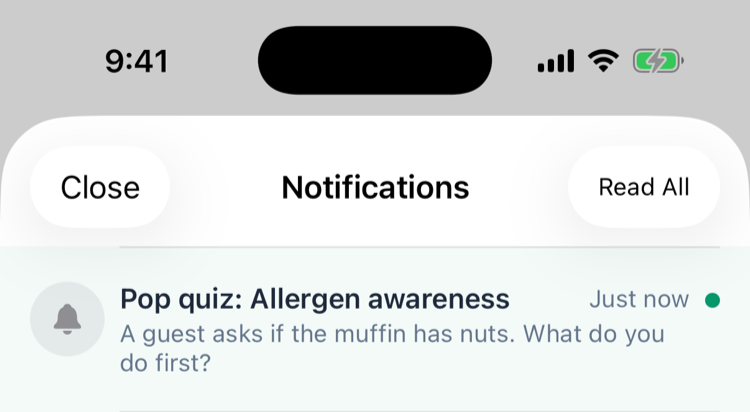
Tapping it opens that module's whole quiz, not just the one question.
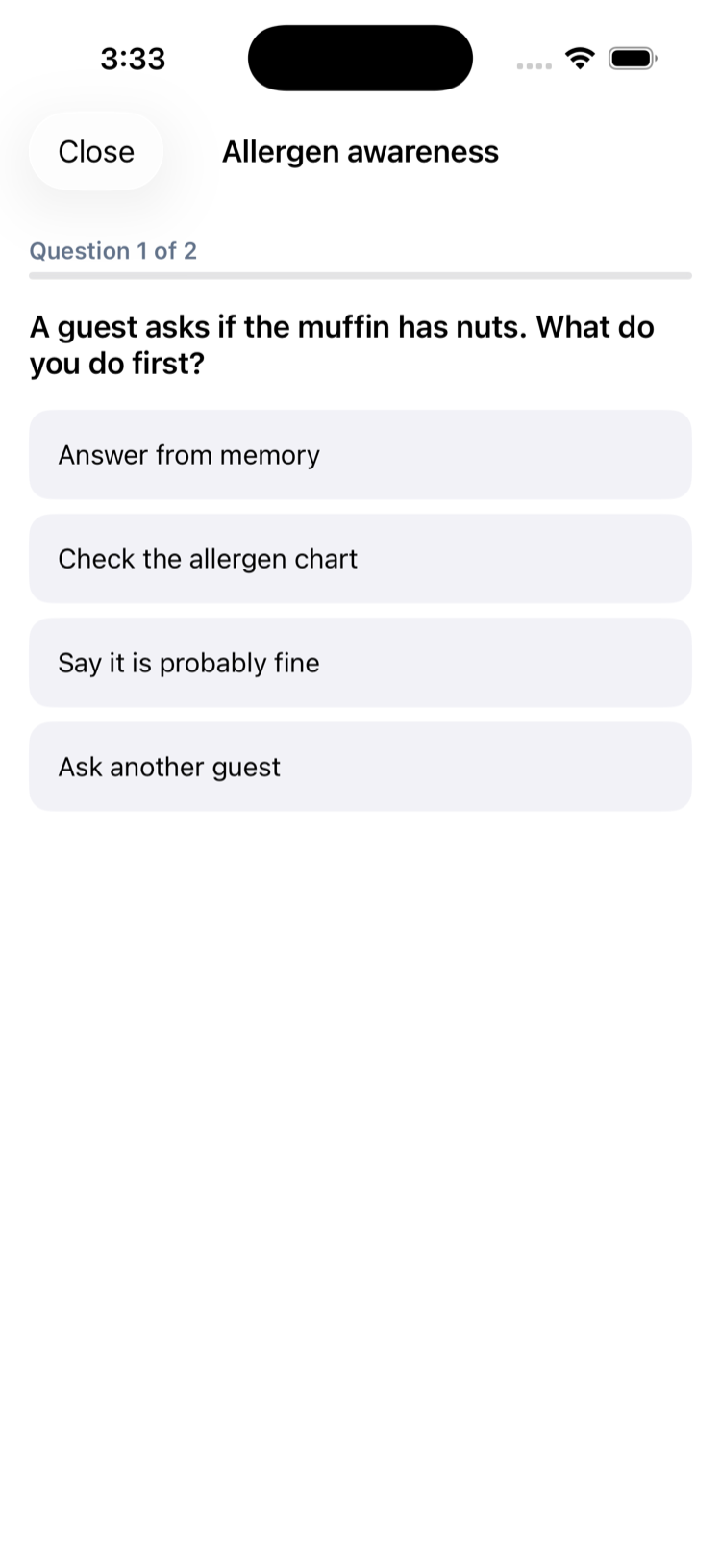
Not a good moment? Tap Close at the top left (iPhone) or ✕ (Android). Nothing is saved, and the module stays in Profile → Learning to take later. A finished pop quiz counts as a normal attempt: the score, points and certificate work the same as when you start the module from Profile → Learning. See Taking training in the app.
Good to know
- One a day, per person. The day resets at midnight UTC (8 p.m. Eastern in summer).
- Which module: if someone has several unfinished modules, Mays picks one at random, and a random question from it.
- Stops by itself once the person has passed every module assigned to them.
- Can't be turned off in the app's notification settings, and admins can't exclude one person. Pop quizzes stop outside the window, off shift, and once training is done.
- Needs Learning switched on for your organization by the Mays team (it's part of the Pro plan). See Creating training modules.