How many apps does a new restaurant really need?
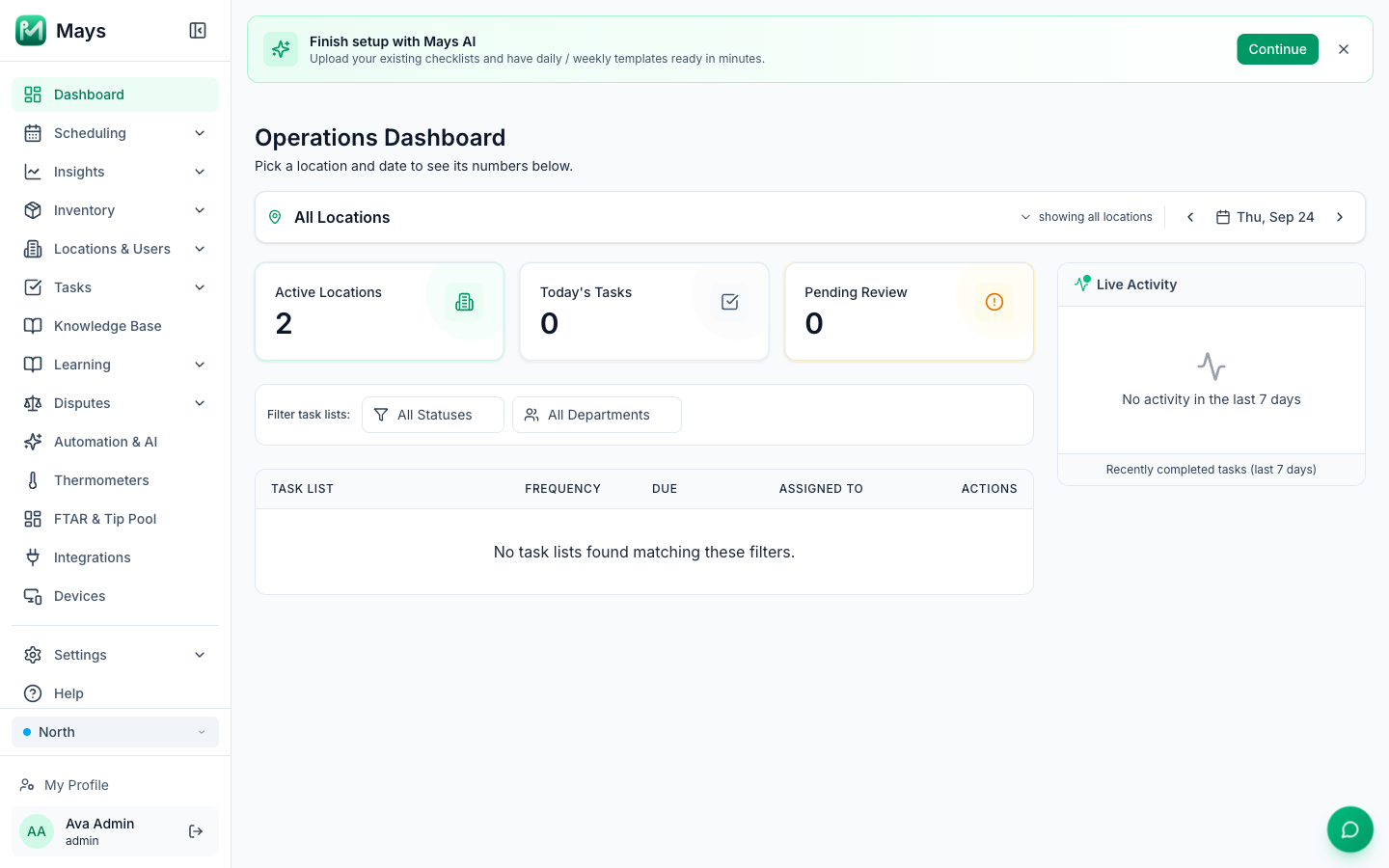
Open a restaurant and the software pitches start before the paint dries. There's an app for the schedule, one for the time clock, one for checklists, one for temperature logs, one for training, one for team chat, one for reviews and one for inventory. Each is good at its job, each has a free trial, and each is "only" a few dollars a user.
This post adds it up for a single-location café with eight people on the team. For every category we name one or two well-known tools and their public list price, taken from the vendor's own pricing page. Where a vendor doesn't publish a price, we say so instead of guessing. Then we compare that stack with running everything in one app.
Updated September 24, 2026 with current list prices. Vendors change plans often, so follow the links for today's numbers. Prices are in US dollars, before tax.
The eight jobs every café software stack covers
Whatever you buy, these are the jobs your team does every week:
- Scheduling: building the week, availability, time off, swaps.
- Time clock and payroll prep: clock-ins, breaks, timesheets, sending hours to payroll.
- Task checklists: opening, closing, cleaning, with proof they were done.
- Temperature logging: coolers, freezers and hot-holding, for food safety and inspections.
- Training: onboarding new hires and keeping SOPs in one place.
- Team chat: reaching the team without mixing it into personal group texts.
- Review management: answering Google reviews and catching problems early.
- Inventory: counts, ordering, waste and costing.
What each one costs on its own
Job | Typical tools | Public list price (as of Sept 24, 2026) |
|---|---|---|
Scheduling + time clock | Free "Comp" plan for one location, up to 15 employees, with basic scheduling but no time clock. Essentials: $44.99 per location per month billed monthly ($39.99 billed annually), up to 30 employees, adds team messaging and basic time clocking. | |
Basic: $0 for 1 location, up to 10 employees, with basic scheduling and basic time tracking. Essentials: $30 per location per month ($24 billed annually) adds team communication. | ||
From $2.50 per user per month for single-location teams (about $20 a month for 8 users). | ||
Payroll | Simple: $49/month + $6/month per person ($97 a month for 8 people). | |
Task checklists | Free for teams of up to 10, with 5 active inspection templates. Premium: $29 per seat per month billed monthly ($24 billed annually), which is $232 a month for 8 seats. | |
Jolt (now part of SmartSense) | Not public. The pricing page redirects to a quote request. | |
Temperature logging | Jolt / SmartSense probes; Mitti sensors | Not public. Mitti lists sensors as a Premium and Enterprise feature; hardware prices aren't published. |
Training | Plan prices aren't shown on the pricing page (each plan says "Get a demo"). The page does state a one-time $1,000 implementation fee. | |
Team chat | Free plan with 90 days of message history. Pro: $8.75 per user per month billed monthly ($7.25 billed annually), which is $70 a month for 8 users. | |
Review management | Not public. Both ask you to contact sales for a price. | |
Inventory | Starter: $249 a month. The page doesn't say whether that's per location or billed annually. | |
$350 per location per month, or 10% less billed annually. |
Adding it up for a one-location café
Here's the stack a new café typically ends up with once the free plans stop covering what it needs. It uses the cheapest paid plan with a public price in each category, billed monthly, for 8 people:
Job | Plan | Per month |
|---|---|---|
Scheduling, time clock, team messaging | 7shifts Essentials | $44.99 |
Checklists with photo proof and sensor support | Mitti Premium, 8 seats | $232.00 |
Inventory | MarketMan Starter | $249.00 |
Total with public prices | $525.99 | |
Training | Trainual | quote, plus $1,000 one-time |
Review management | Birdeye or Podium | quote |
Temperature sensors | SmartSense or Mitti sensors | quote |
Payroll | Gusto Simple (8 people) | $97.00, needed with any of these setups |
That's about $526 a month before the three categories that only give quotes. Paying annually brings the public part down to about $481 ($39.99 + $192 + $249).
You can go leaner. A very small team can live on Homebase's free plan, Mitti's free tier and a spreadsheet for counts, and pay close to nothing. The trade-off is limits you'll hit as you grow: 10 employees on Homebase Basic, 5 active checklist templates and no sensors on Mitti Free, and no inventory system at all.
The costs that aren't on the pricing page
The monthly bill is the easy part to compare. The bigger costs of a stack show up elsewhere:
- Logins and onboarding. Every new hire installs and learns several apps. Every departure means removing someone from several places, and missing one is a security gap.
- Things fall between the apps. The cooler alarm is in one app, the task to fix it is in another, and the manager on duty is reading a third. Nobody connects them until it's a problem.
- Duplicate data. Your team roster, locations and roles live in every tool and drift apart.
- Integrations to maintain. Tools that talk to each other usually do it through integrations someone has to set up, pay for and fix.
- Per-user pricing punishes growth. Add two part-timers for summer and several bills go up at once.
What specialists do better
An honest comparison has to say this: dedicated tools are deep in their own lane.
- 7shifts and Homebase are built specifically for hourly teams, and both sell payroll as an add-on. Homebase's free plan really is free for a small team.
- Mitti (SafetyCulture) has a full inspection and audit toolkit and its own sensors.
- MarketMan and MarginEdge go deeper on vendor invoices and costing than an all-in-one app does. MarketMan's plans include AI invoice scanning, for example.
- Slack is a complete workplace chat platform with a large app ecosystem.
- Birdeye and Podium are dedicated reputation platforms. Mays covers replying to your Google reviews, not a full review program.
If one of those is the core of your business (a multi-unit group whose accountant lives in MarginEdge, for example), keep it. Most new cafés don't need that depth in eight places. They need the daily basics done the same way every day, in one place their team will actually open.
What one app replaces
Mays runs all eight jobs in one app for the web, iPhone and Android:
- Scheduling: a week grid with drafts, publishing and notifications, availability, time off, open shifts, trades, overtime warnings and scheduled labor.
- Time clock: clock in on a phone, a shared kiosk with PINs, or NFC tags. Break reminders, timesheet approval, and payroll export as a standard or Gusto-format CSV.
- Checklists: templates with photo, number and other answer types, and AI photo verification against your standard.
- Temperature monitoring: smart thermometers (Govee, bought separately) with alerts and an exportable log.
- Training and knowledge base: your SOPs and recipes, searchable, with training modules and quizzes built from them.
- Team chat: direct and group messages inside the same app.
- Google reviews: read and reply to your Google reviews in one place.
- Inventory: counts, vendors, purchase orders, recipes and costing, prep sheets and a waste log.
It is priced as one flat fee per location, with unlimited team members and every module included. Your bill doesn't move when you hire. It doesn't replace everything: you still need a POS and a payroll provider. Mays connects to Square for sales and exports hours for payroll, and can import from 7shifts if you're switching.
That's the difference in practice. One login per person. One roster. One place where the cooler alarm, the task to fix it and the manager who needs to know all meet. Pure Green, a juice-bar chain in South Florida, runs its stores on Mays.
A simple way to decide
Before you sign up for anything, write your eight jobs down. Next to each, write who does it and how often. Then ask two questions of any stack, including ours:
- What will it cost at 8 people, and at 15?
- How many apps does a new hire need on day one?
If the answer to the second is more than one or two, you'll pay for it in onboarding time long before you see it on an invoice.
Try the one-app version
See what your café looks like with the schedule, checklists, temperature logs, training, chat, reviews and inventory in one place.
Start your free trial: 30 days, every module, no card needed. Want to compare with your current stack line by line? Book a walkthrough.